
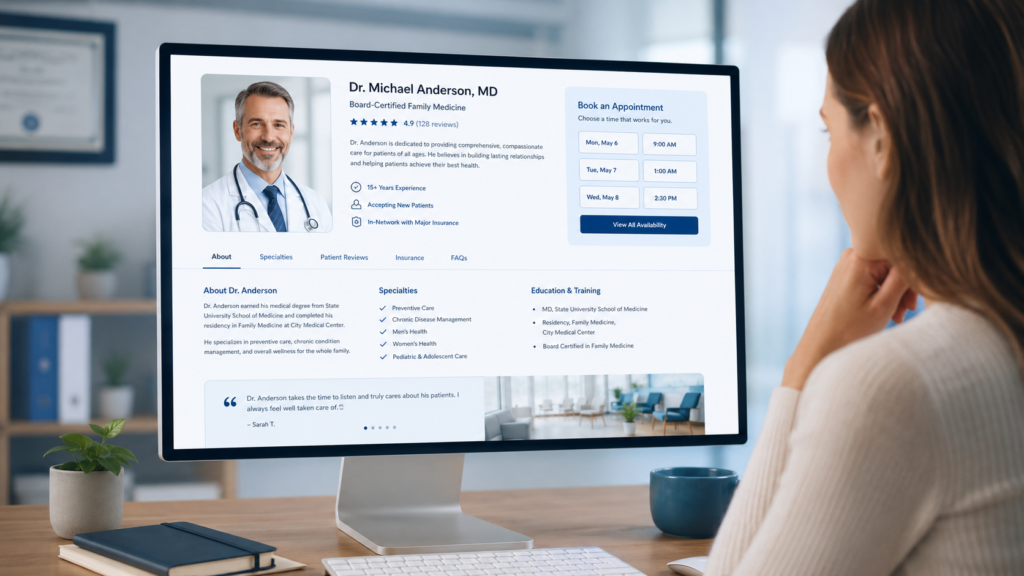
Zocdoc patients commonly search by insurance plan, visit reason, and location before comparing provider profiles, reviews, photographs, and available appointment times. If one of these elements is inaccurate or incomplete, a qualified provider can be filtered out or passed over.
A Zocdoc profile gets no bookings when it fails at one of three stages: visibility, trust, or conversion. It must first appear for the right search, reassure the patient, and make it easy to reserve the correct appointment.

1. Your Profile Does Not Match Patient Searches
Incorrect insurance plans, missing visit reasons, an outdated location, or the wrong specialty can reduce your visibility.
Review Your Insurance Plans Carefully
Do not list only the payer name and assume every product is covered. A single insurance carrier may offer employer plans, marketplace plans, Medicare Advantage products, and narrow-network plans.
Compare the insurance information on your profile with:
- Current payer contracts
- Provider-level participation records
- Approved practice locations
- Group and tax identification details
- Recent credentialing or network changes
Connect this review to your internal provider credentialing process. A provider may participate at one office location but remain out of network at another.
Add Accurate Visit Reasons
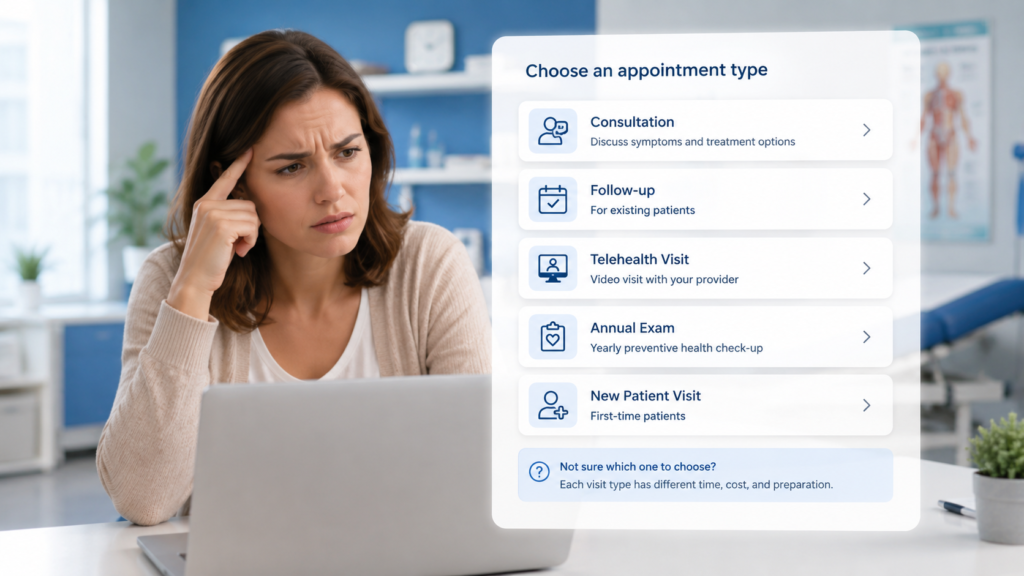
Use language patients understand when creating visit reasons. “Initial evaluation” may make sense to your staff, but “annual physical,” “anxiety consultation,” or “knee pain” is clearer to a patient.
Zocdoc advises practices to keep accepted insurance plans and visit reasons current so patients can find care that matches their needs. Review these settings whenever you add a provider, service, or location. Read Zocdoc’s guidance on insurance and visit reasons.
2. Your Appointment Availability Is Too Limited
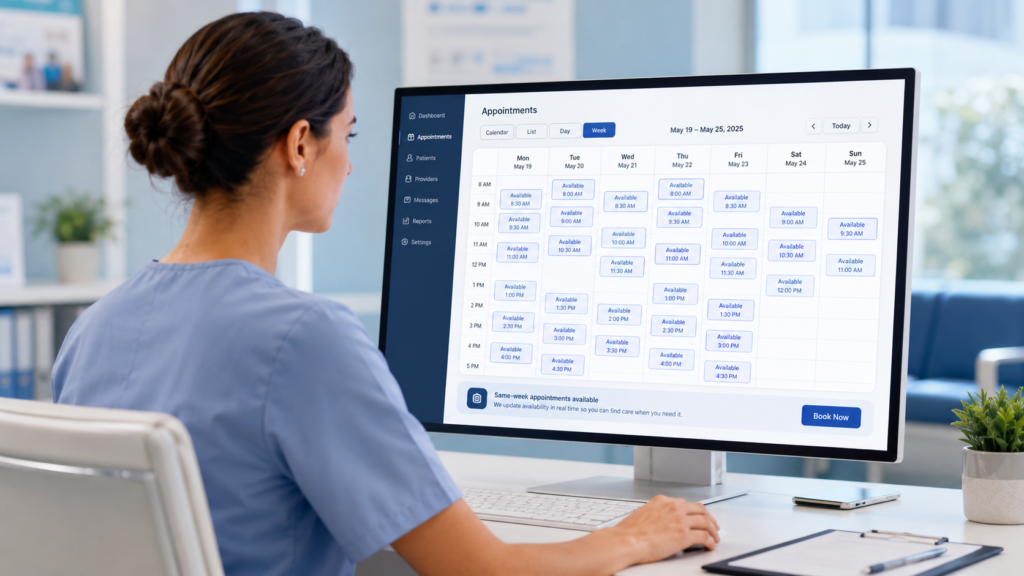
Patients using online scheduling often want care soon. If your first available appointment is several weeks away, providers offering same-week appointments will usually look more attractive.
Consider offering:
- Same-week new-patient appointments
- Canceled slots released back online
- Early-morning or late-afternoon appointments
- Telehealth appointments where appropriate
- Separate availability for new and established patients
Zocdoc’s provider guidance emphasizes accurate, near-term availability and updated calendars. Showing an appointment that is not actually available can also damage patient trust. Review Zocdoc’s marketplace best practices.
3. Your Profile Does Not Build Enough Trust
Patients compare providers quickly. A weak photograph, incomplete biography, missing education, or generic description can make a capable clinician appear less established than nearby competitors.
A strong profile should clearly explain:
- Conditions the provider commonly treats
- Types of patients accepted
- The provider’s communication style
- What happens during the first appointment
- Whether telehealth is available
- Languages spoken by the provider or staff
Avoid copying a formal credentialing biography word for word. Patients want to see professional qualifications, but they also want to understand what the appointment experience will be like.
Use a clear, current headshot rather than a cropped photograph or practice logo. Complete every relevant profile field so patients do not need to search elsewhere for basic information.
4. Your Reviews Are Limited or Outdated
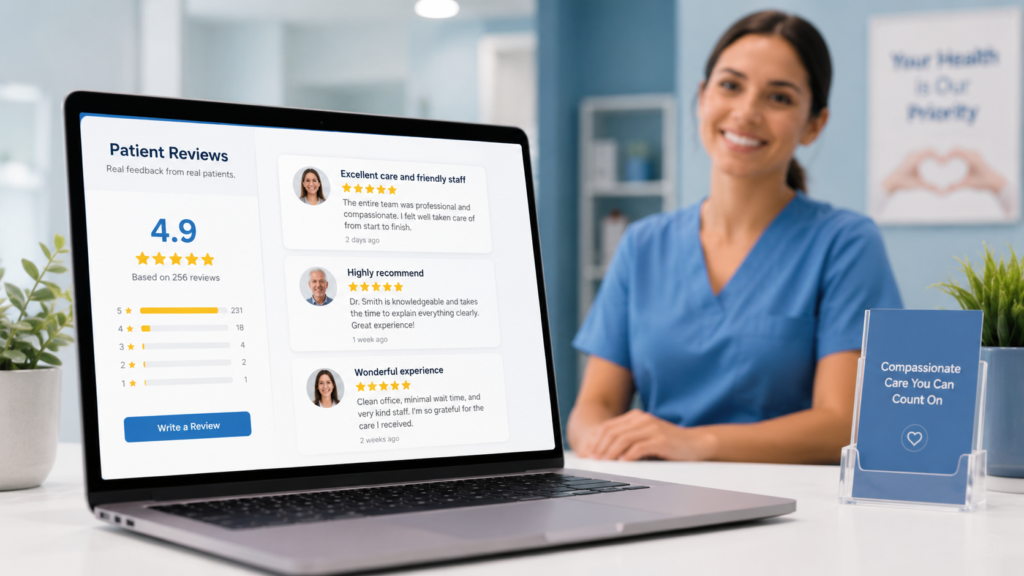
A small number of reviews does not mean a provider is less qualified. However, patients may hesitate when competing profiles have more recent feedback.
Zocdoc states that its verified reviews come from patients who interacted with the practice they booked through the platform. This makes accurate completed-visit tracking and the overall patient experience especially important.
Do not ask patients to provide a particular rating or scripted praise. Improve the operational factors that naturally influence feedback:
- Clear appointment instructions
- Reasonable waiting times
- Respectful front-desk communication
- Accurate copay explanations
- Simple intake forms
- Prompt follow-up when needed
Reviews often reflect the entire practice experience, not only the clinical encounter.
5. Insurance Confusion Causes Patients to Leave
A patient may like the provider and still leave because network participation is unclear. Incorrect insurance information can also produce bookings that later become cancellations, refunds, patient complaints, or denied claims.
Eligibility verification should confirm more than active coverage. Your team should review:
- The patient’s specific insurance plan
- Coverage effective dates
- Provider network participation
- Copay, deductible, and coinsurance
- Referral requirements
- Prior authorization requirements
- Coverage for the scheduled service
CMS explains that eligibility and benefit inquiries provide information about a patient’s health plan coverage and benefits. The response must still be reviewed and interpreted correctly before services are delivered. Read the CMS eligibility and benefit inquiry overview.
Accurate insurance verification services protect both patient bookings and practice revenue.

6. Your Appointment Types Are Confusing
Too many similar appointment choices can create hesitation. Patients may not understand the difference between a consultation, evaluation, preventive visit, follow-up, and procedure appointment.
Use plain-language appointment names with brief explanations. Separate new-patient and established-patient visits when their appointment lengths, paperwork, or billing requirements differ.
Test the booking process on a mobile phone and look for:
- Duplicate office locations
- Appointment types with no available times
- Visit reasons assigned to the wrong provider
- Missing telehealth instructions
- Outdated office information
- Forms requesting unnecessary information
The patient should not need to call your office to determine which appointment type to select.
7. Your Front-Desk Workflow Creates Friction
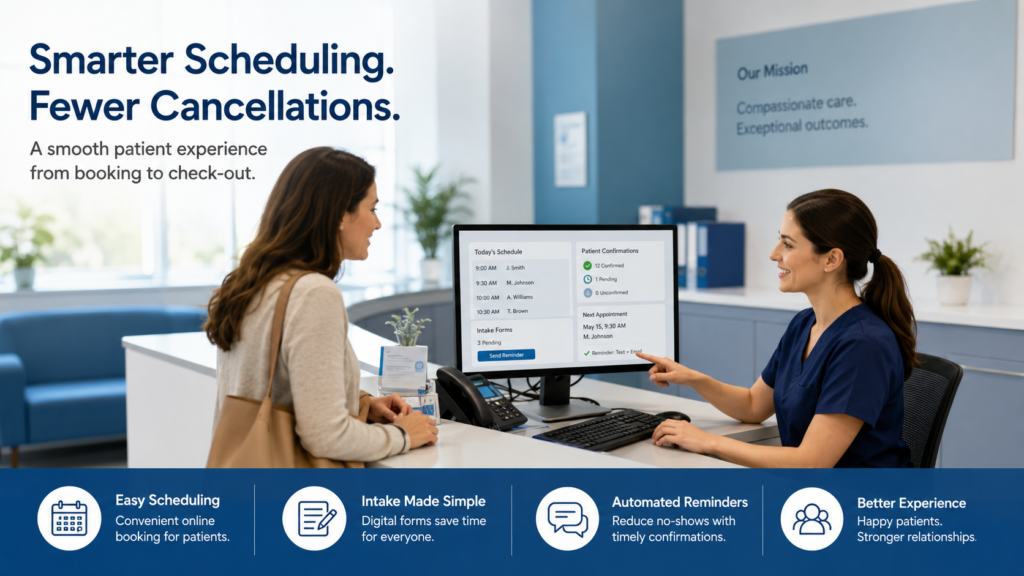
A booking is not the same as a completed visit. Slow responses, repeated calls, conflicting instructions, or frequent rescheduling requests can cause patients to cancel.
Create a consistent workflow for every Zocdoc booking:
- Confirm the appointment entered the correct provider schedule.
- Verify insurance, referral, and authorization requirements.
- Contact the patient only when information is missing.
- Send concise intake and arrival instructions.
- Record completed visits, cancellations, and no-shows accurately.
Your revenue cycle management process should connect scheduling data with eligibility, claims, payments, and patient balances.
8. You Track Bookings but Not Revenue Quality
A high booking count can still produce weak financial results. Some appointments may involve out-of-network plans, missing authorizations, no-shows, non-covered services, or incorrect appointment types.
Track more than the number of appointments booked:
- Completed appointment rate
- Cancellation and no-show rate
- Eligibility failure rate
- Authorization problems
- Clean-claim rate
- Collections by provider and payer
- Revenue per completed new-patient visit
When your Zocdoc profile gets no bookings, this data can help identify a visibility or conversion problem. When bookings exist but collections remain low, the issue may involve billing, credentialing, or internal workflows.
What to Do When Your Zocdoc Profile Gets No Bookings
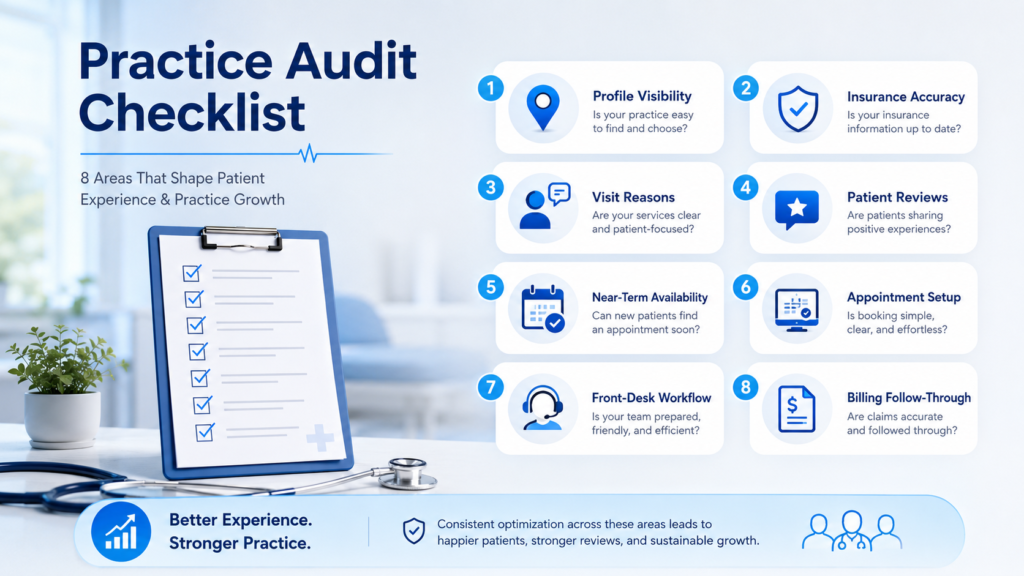
Start with a structured audit rather than changing everything at once. Review the profile as a patient, compare it with nearby providers, and test every appointment type.
Confirm that:
- Insurance plans match current payer contracts
- Visit reasons match services actually provided
- Near-term appointments are visible
- The biography and photograph build confidence
- Appointment types are easy to understand
- Eligibility checks occur before the visit
- Booking data is connected to billing outcomes
Review the profile monthly and update it immediately when a provider, payer contract, office location, or scheduling template changes.
Conclusion
When your Zocdoc profile gets no bookings, the cause is rarely one missing sentence. The profile must appear in the correct searches, build patient trust, show convenient availability, and connect to accurate insurance and billing workflows.
A medical billing expert can review the eligibility, credentialing, authorization, claims, and patient-balance issues behind your results. A focused audit can help your practice attract appointments that are not only booked but also completed and properly reimbursed.