
A Klarity profile can bring a steady flow of appointment requests, but only when it answers the questions patients are already asking. Many providers create a basic profile, list a few services, and assume the platform will do the rest. Then they wonder why profile views do not turn into booked visits.
The issue is often not demand. It is clarity. Patients want to know who you help, what you treat, what the first visit will feel like, how soon they can be seen, and whether payment will be straightforward.
Start With the Patient’s Main Concern
Your profile should not read like a résumé. Credentials matter, but patients are usually searching because they are anxious, overwhelmed, or tired of waiting for care.
Open your bio with a clear statement about the people and conditions you commonly support. Instead of leading with degrees and certifications, explain how you help.
You might mention:
- Adults managing anxiety, depression, ADHD, or insomnia
- Patients seeking medication management
- People looking for flexible telehealth appointments
- Patients who value a careful, listening-based approach
This helps the right patients quickly recognize that your services match their needs.

Make Your Klarity Profile Easy to Scan
Most patients will scan your photo, headline, specialties, availability, pricing, and the first few lines of your bio.
Use a Specific Headline
A headline such as “Compassionate Mental Health Provider” sounds positive but says little. A stronger option identifies your service and ideal patient, such as “Online ADHD, Anxiety, and Depression Care for Adults.”
Keep it accurate. Listing every condition you have treated may attract the wrong appointment requests and weaken patient trust.
Choose an Approachable Photo
Use a recent, well-lit professional headshot with a simple background. Avoid heavily edited images, group photos, or using a logo instead of your face.
A calm, natural expression can make the profile feel more personal.
Write a Bio That Builds Trust
A strong bio explains your clinical approach in plain language. Patients do not need a long list of technical terms. They need to understand what happens after they book.
Include:
- Conditions and age groups you treat
- What patients can expect during the first visit
- Whether you offer medication management, therapy, or both
- Your telehealth availability and service areas
- Important insurance or self-pay information
Keep paragraphs short and avoid promises about outcomes. Clear, honest language will usually convert better than exaggerated claims.

Remove Booking and Billing Friction
A strong Klarity profile may still underperform when the next step feels uncertain. Patients may leave if they cannot tell what the visit costs, whether insurance is accepted, or when an appointment is available.
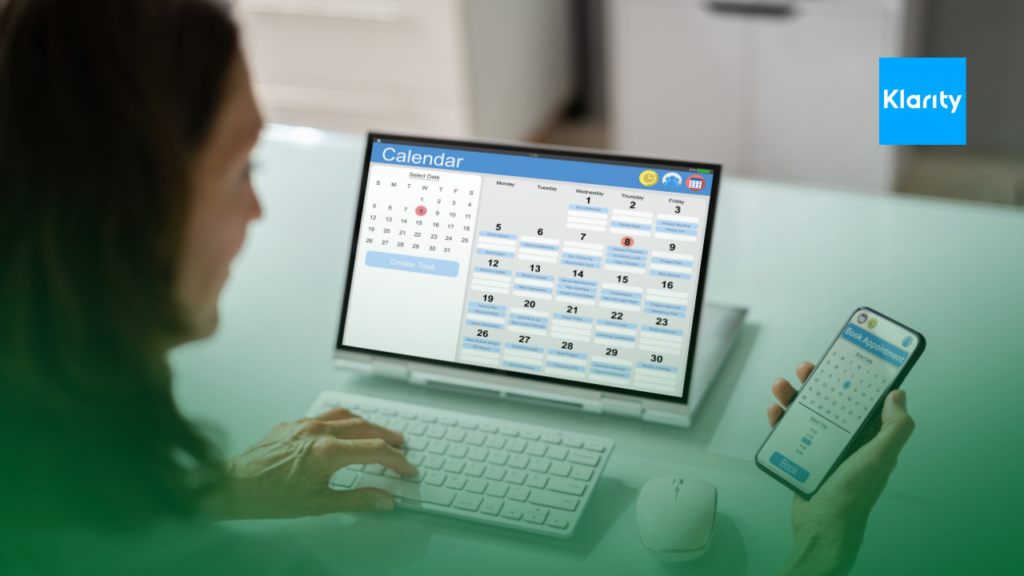
Review the journey from profile view to confirmed visit. Make sure your calendar is current and your listed services match the appointment types patients can actually schedule.
Your practice should also have a clear process for:
- Eligibility and benefits verification
- Copay, deductible, and self-pay communication
- Prior authorization when required
- Claim submission and denial follow-up
These steps happen behind the scenes, but they affect satisfaction, collections, and patient retention.
Keep Availability Accurate
Patients using online platforms often want care quickly. If your calendar shows appointments that are not truly available, cancellations and rescheduling can damage trust.
Update availability regularly and offer appointment times your team can support. Send confirmations promptly and make rescheduling instructions easy to understand. This can reduce no-shows.
Use Feedback to Improve the Profile
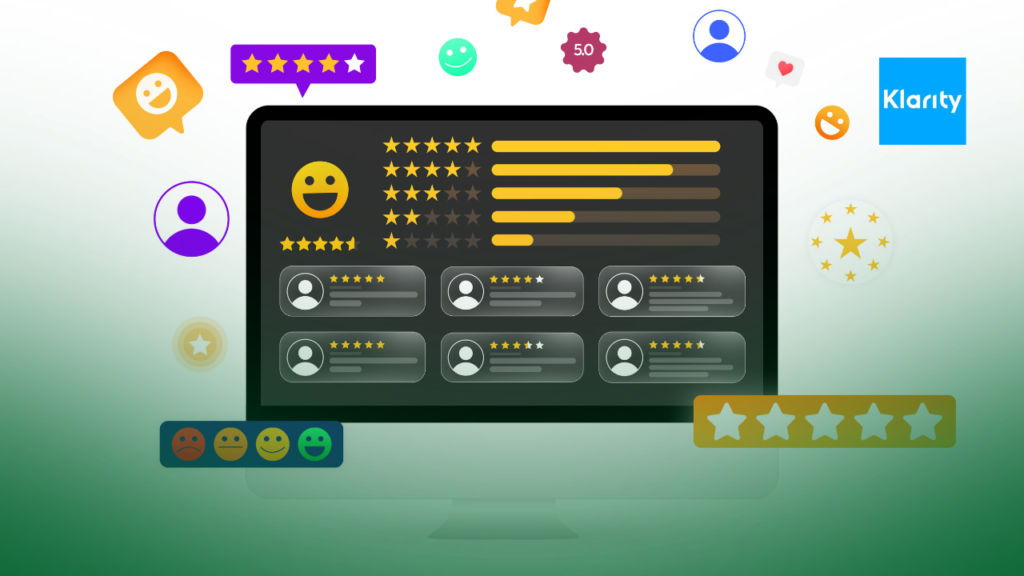
Patient feedback can reveal which parts of your service stand out. Reviews that mention listening, communication, convenience, or a smooth appointment process can help future patients feel more confident.
Follow platform rules and privacy requirements when requesting reviews. Never pressure patients or tell them what to write.
Repeated concerns about billing confusion, slow responses, or appointment changes may point to operational problems rather than profile problems.

Track More Than Profile Views
Profile optimization should be measured by actual results. Track how many visitors request appointments, how many appointments are confirmed, and how many patients complete their visits.
Useful metrics include:
- Profile-to-booking conversion rate
- Appointment confirmation rate
- No-show rate
- New patient collection rate
- Claim acceptance and denial rates
A profile can attract attention while still creating low-quality leads or billing problems. Marketing and revenue cycle performance should be reviewed together.

Conclusion
Turning your Klarity profile into a patient magnet requires more than adding keywords. Your profile must communicate clinical fit, trust, availability, and payment clarity within a few seconds.
If appointment requests are growing but collections are not, consult a medical billing expert. A review of eligibility checks, patient estimates, claims, and denials can help make sure new patient growth supports healthier revenue.