
Your calendar has openings.
Your team is ready to answer calls, verify benefits, and schedule new patients. Yet the appointment requests are slow, inconsistent, or coming from people who are not a good fit for your services.
This is frustrating, especially when you know there is demand for care in your area.
For many practices, the problem is not clinical quality, pricing, or staff performance. It is visibility. Your online profile is not clearly showing patients who you serve, what you treat, which insurance plans you accept, or when you are genuinely available.
A patient may be actively searching for a psychiatrist, therapist, primary care provider, or specialist. But if your ZocDoc, Psychology Today, Google Business Profile, or practice directory listing is vague or outdated, that patient may never reach your website or scheduling page.
The good news is that this problem is often fixable without rebuilding your entire marketing strategy.
Why Open Appointment Slots Do Not Automatically Bring Patients
Healthcare practices sometimes assume that listing availability online is enough. In reality, patients make several decisions before they click the booking button.
They want to know:
- Does this provider treat my specific concern?
- Does the provider work with patients like me?
- Is my insurance accepted?
- Is the office location or telehealth option suitable?
- Are the listed appointments actually available?
- Does this provider appear active, trustworthy, and approachable?
When those answers are not immediately clear, patients usually continue scrolling.
This means you can have open appointments while still appearing unavailable, irrelevant, or difficult to book.
Your Profile May Be Too General
A common profile headline might say:
Treating anxiety, depression, and stress.
There is nothing technically wrong with that statement. The problem is that thousands of providers use almost identical wording.
It does not tell patients what makes the practice relevant to their specific situation. It also gives directory search tools very little detail to use when matching patients with providers.
Name the Conditions and Populations You Actually Serve
A stronger profile identifies the provider’s real clinical focus.
For example, a psychiatric practice might mention:
- ADHD evaluations and medication management
- Postpartum anxiety and depression
- Panic disorder and recurring panic attacks
- Trauma-related symptoms
- Mood disorders
- Adolescent mental health
- Mental health care for healthcare professionals
- Support for college students and young adults
A therapy practice may focus on grief, relationship concerns, obsessive-compulsive disorder, workplace burnout, or trauma recovery.
The goal is not to fill the profile with every possible diagnosis. It is to help appropriate patients quickly recognize that the provider may be a suitable match.
Avoid Trying to Appeal to Everyone
A profile that claims to treat every age group, condition, and population can feel less credible than one with a clear focus.
Patients often feel more confident contacting a provider who regularly works with their particular concern. Specific wording also reduces inquiries from patients who need services the practice does not provide.
This can improve both patient fit and front-office efficiency.
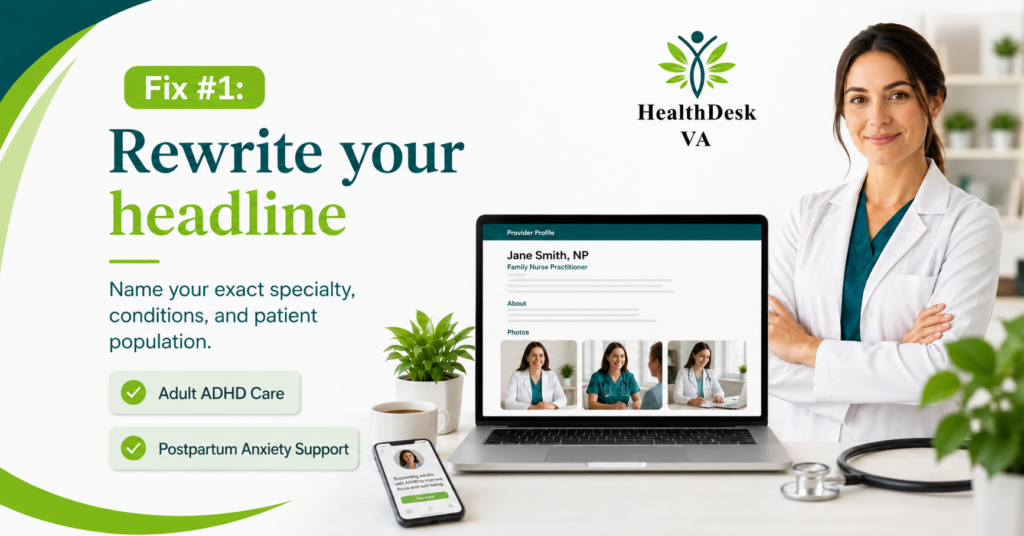
Rewrite Your Profile Headline
The headline is one of the first things a patient sees. It should communicate more than a professional title.
A useful headline may include:
- The provider type
- The main service
- The patient population
- The care format
- A specific clinical focus
For example:
Psychiatric Nurse Practitioner for Adult ADHD and Anxiety
Or:
Trauma-Informed Therapist for Women and Young Adults
These headlines are clearer than broad statements such as “Helping You Feel Better” or “Compassionate Mental Health Care.”
A patient should not have to read five paragraphs to understand whether the provider treats their concern.
Keep Insurance Information Clear and Current
Insurance confusion is one of the fastest ways to lose an appointment request.
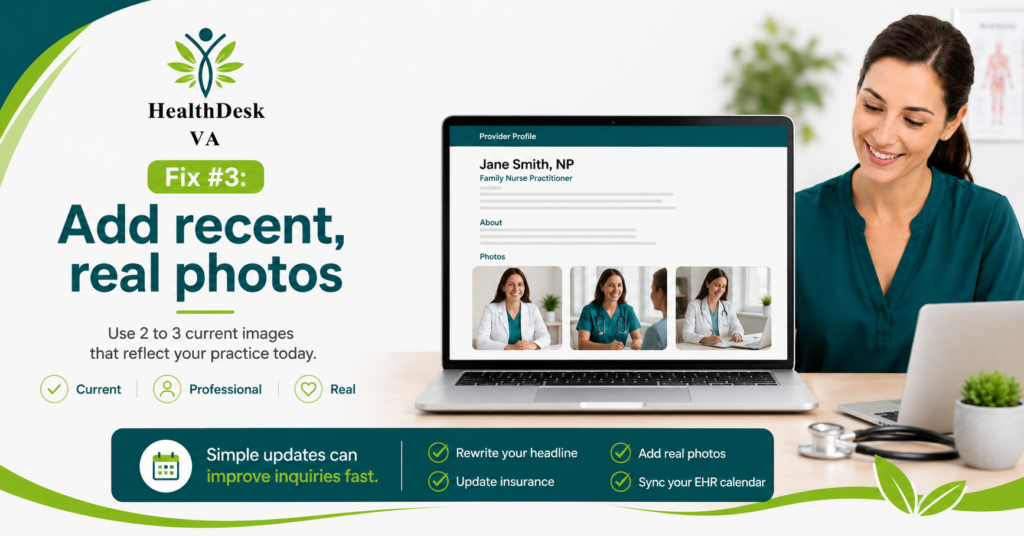
Patients often search by insurance plan before considering anything else. If your profile does not list accepted plans clearly, they may assume you are out of network.
Outdated insurance information creates a different problem. A patient may book based on incorrect information, only to learn during verification that the plan is not accepted.
That creates extra work for the scheduling and billing teams. It also damages the patient’s confidence in the practice.
Review Insurance Listings Every Month
Your practice should compare the insurance plans shown on each directory with your current payer contracts.
Review:
- Commercial insurance plans
- Medicare participation
- Medicaid or managed Medicaid plans
- Marketplace plans
- Employer-specific networks
- Telehealth coverage limitations
- State-specific payer participation
Do not rely only on the insurance company’s main brand name. Some carriers offer multiple networks, and participation in one does not always mean participation in all of them.
Your billing or eligibility team can help identify repeated plan mismatches and update the front desk accordingly.
Use Recent and Real Photos
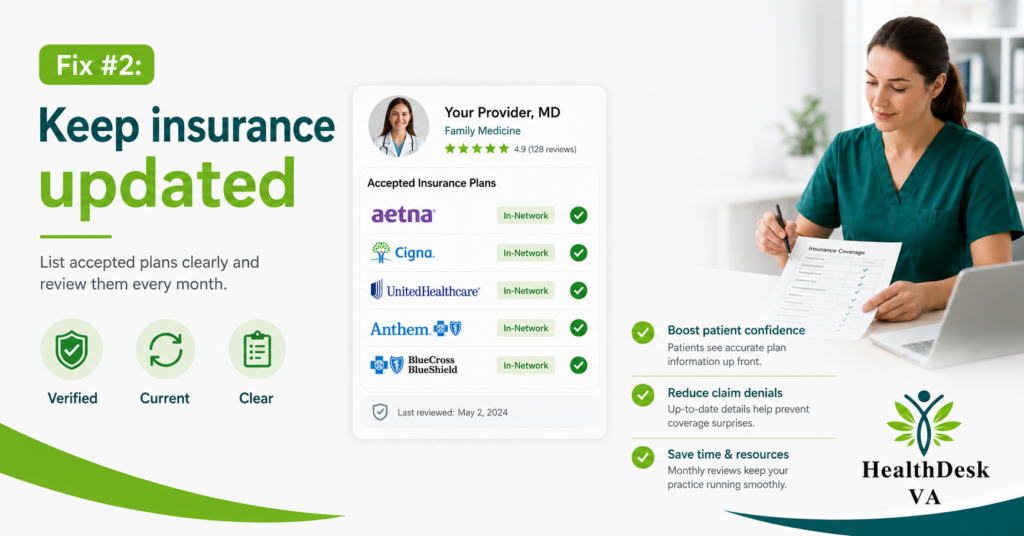
Patients do not expect professional studio photography from every provider. They do expect the profile to look current.
A headshot taken several years ago may make the listing appear neglected. A single heavily edited photo can also feel less personal than a small set of natural, recent images.
Consider adding:
- A current professional headshot
- A clear photo of the office or telehealth workspace
- A photo of the reception area
- A recent team photo, when appropriate
Photos should look clean and professional, but they should still represent the actual practice.
Avoid stock photos that show people who do not work at the office. Patients may interpret them as staff photos, which can create confusion.
Match Online Availability With Your EHR Calendar
This is one of the most important parts of provider profile optimization.
If ZocDoc shows an appointment for Tuesday at 2:00 p.m., but the slot is already blocked in the EHR, the patient may receive a cancellation or rescheduling call soon after booking.
That creates a poor first experience before the patient has even spoken with the provider.
The reverse problem is also common. The EHR may contain open appointments, but the online profile shows no availability for several weeks.
In that case, the practice loses bookings it could have accepted.
Check for Scheduling Gaps
Review whether your directory calendar matches:
- Provider working hours
- Appointment types
- New-patient availability
- Follow-up appointment lengths
- Lunch and administrative blocks
- Telehealth and in-person schedules
- Time-zone settings
- Holidays and planned leave
- Same-day booking restrictions
If the directory connects directly with the EHR, confirm that the integration is syncing correctly.
When calendars are managed manually, assign one person to review them regularly. Do not assume the schedules are accurate simply because the profile is active.
Look at the Entire Patient Booking Path
Your provider profile is only the first step.
A patient may click through to your website, call your front desk, complete an online form, or begin an insurance verification process. Each step can either support the booking or create another reason to leave.
Review the experience from the patient’s perspective.
Ask:
- Is the phone number correct?
- Does someone answer during listed business hours?
- Is voicemail monitored?
- Does the contact form work?
- Are responses sent within a reasonable time?
- Are new-patient requirements clearly explained?
- Can staff confirm insurance participation accurately?
- Is the next step easy to understand?
A strong profile cannot compensate for a broken contact form or an unanswered phone line.
How Medical Billing and RCM Teams Can Help
Profile visibility may look like a marketing issue, but it often connects directly with revenue cycle operations.
Billing and administrative teams see patterns that providers may not notice. They know which insurance plans frequently cause confusion, which appointment types are being booked incorrectly, and where new patients drop out before their first visit.
An experienced medical billing or RCM partner can help the practice review:
- Insurance information shown online
- Eligibility verification workflows
- Common registration errors
- Scheduling and EHR alignment
- New-patient intake delays
- Appointment cancellation patterns
- No-show trends
- Incorrect payer selections
- Front-desk communication gaps
This does not mean the billing team should write every provider biography. It means profile information should match the practice’s actual operational capacity.
A Four-Step Profile Check for This Week
You do not need to change every platform at once. Start with the directory that generates the most traffic or inquiries.
Complete these four actions:
- Rewrite your headline. Name your specialty, main conditions, and patient population clearly.
- Update accepted insurance plans. Confirm each plan against current participation records.
- Add two or three recent photos. Replace outdated or unclear images.
- Compare online availability with your EHR. Check dates, appointment types, and scheduling rules.
After making changes, track inquiries for several weeks.
Record where each new patient found the practice, which services they requested, whether their insurance matched, and whether they completed the booking process. This gives you better information than simply counting website visits.
Conclusion
Open appointments do not help the practice when patients cannot find them or do not understand whether the provider is right for their needs.
Clear specialty information, accurate insurance listings, recent photos, and synchronized scheduling can make it easier for suitable patients to book care.
A medical billing or RCM expert can also review the operational issues behind low booking volume, including insurance confusion, scheduling errors, intake delays, and eligibility problems. A practical profile audit is often a useful place to begin before spending more on advertising.